Chunk Comments
Chunk comments help capture feedback, flag issues, and guide revisions during Lip-sync and Prooflistening.
Add a comment
Open a Lip-sync or Prooflistening task
Select a chunk
Click Show comment
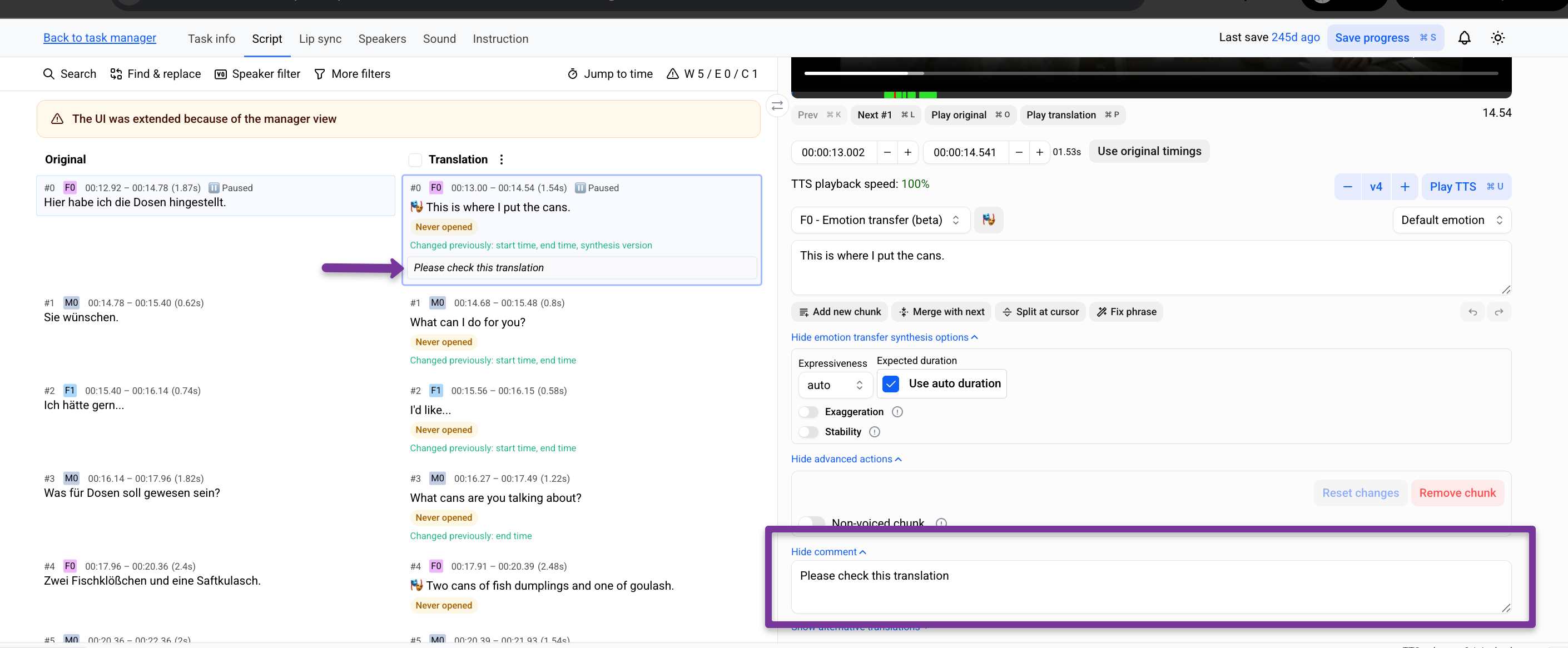
Enter the comment and Save progress
View chunks with comments
Click on the Warnings / Errors / Comments (WEC) button
The number next to C (Comments) indicates how many chunks contain comments
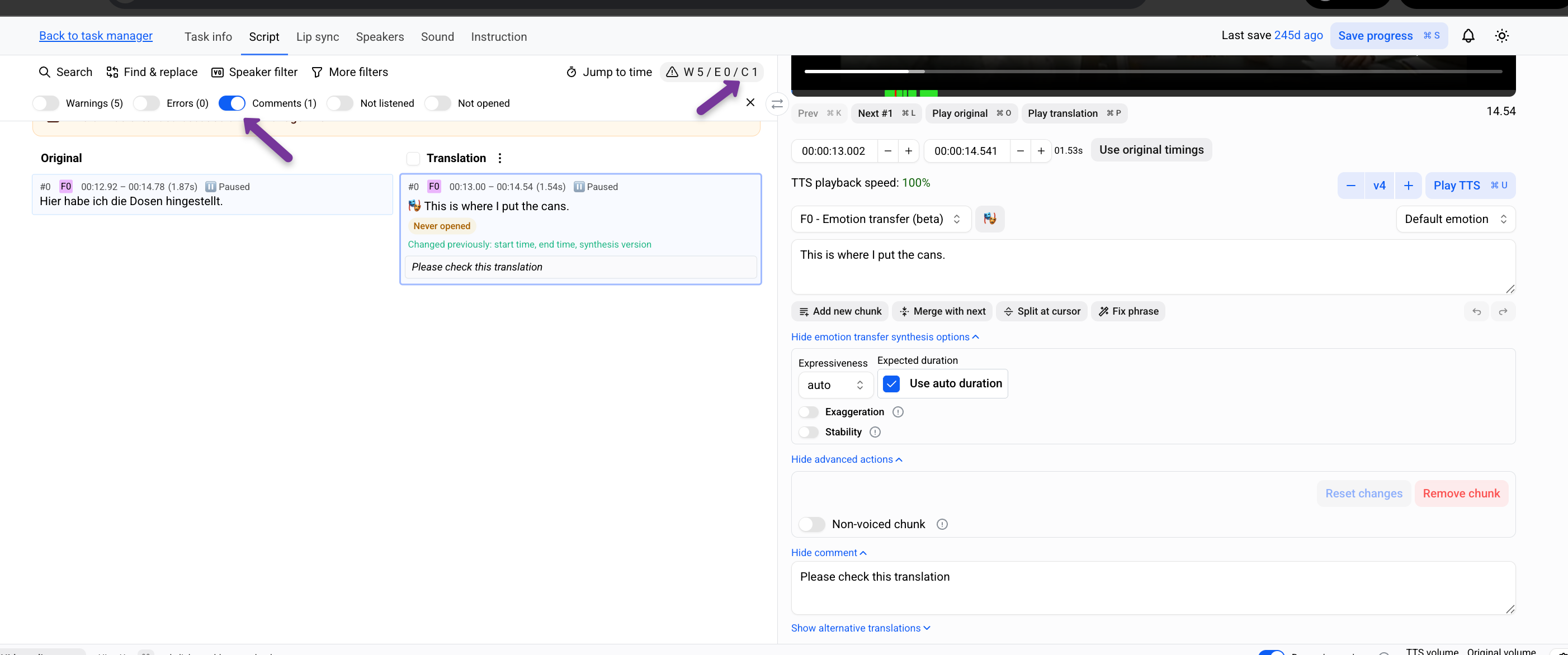
Enable the Comments filter
All chunks with comments will be displayed.
Export comments
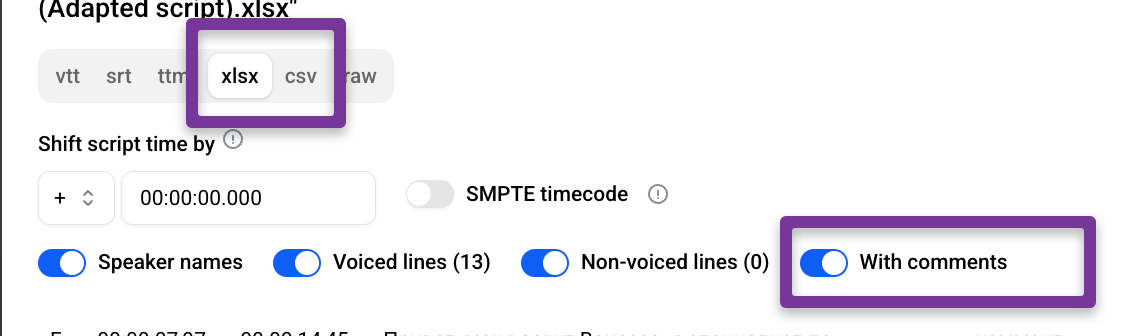
Comments are included in script exports (xlsx, csv)
Save progress
Click Process changes
Export the script
Enable With comments
Notes
Comments are exported together with the script
Processing must be completed before export