Changelog

Follow new updates and improvements to Dubformer Studio.

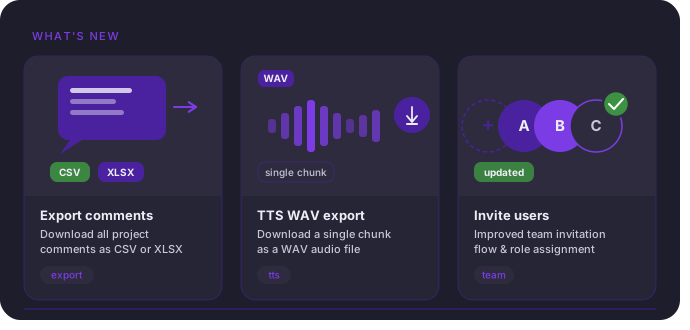
Export a single TTS chunk as WAV
What’s new
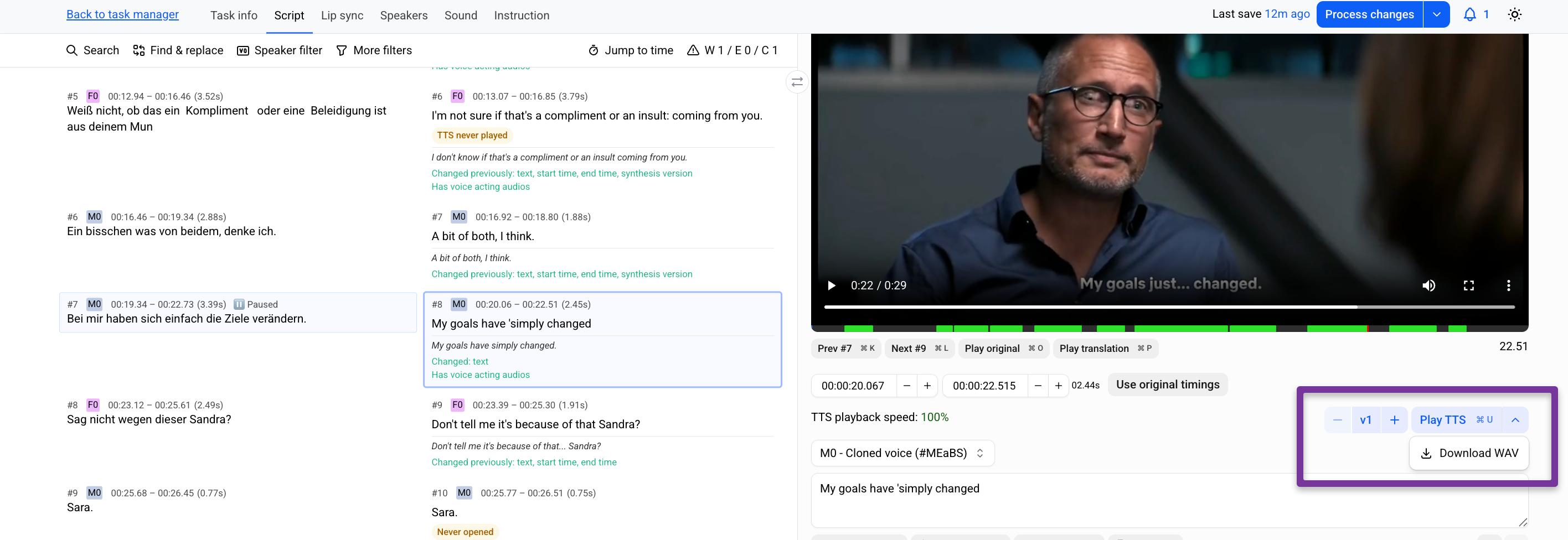
Export a single TTS chunk as WAV—no full video reprocessing required.

Why it matters
Fix one chunk, export it, and continue the mix in Pro Tools without waiting.

How it works

  1. Edit the chunk.

  2. Click Generate TTS.

  3. Save progress.

  4. Open the menu next to Play TTS → Download WAV.
Full article in the Help center

Export comments from Prooflistening/Lip sync tasks

What’s new

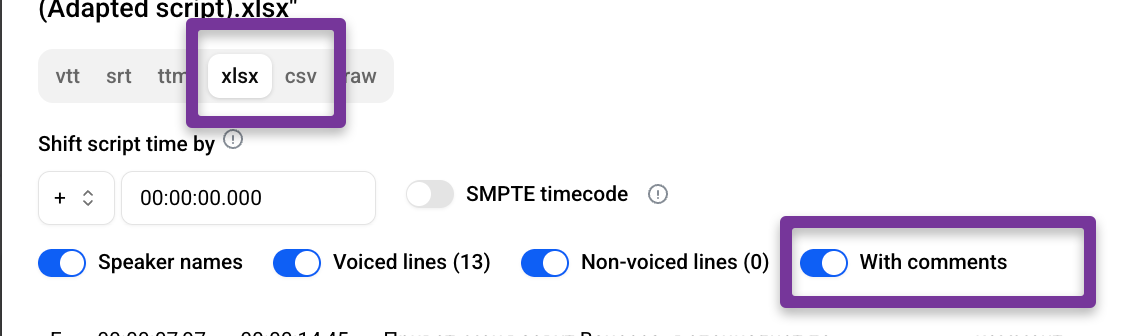
Chunk comments can now be exported with scripts (XLSX, CSV).

Why it matters
Comments can now travel with the script—making it easy to share feedback, notes, and revision context with teams or clients outside the platform.

How it works

  1. Open a Lip-sync or Prooflistening task.

  2. Select a chunk.

  3. Leave your comments

  4. Save your progress and Process the changes

  5. Go to Downloads.

  6. Export the script (XLSX or CSV) with With comments enabled.
Full article in the Help Center

Improved User Invitations and Access Control

What’s new
User invitations have been redesigned. Add users is now Invite users, with permission-based access for Managers.

Why it matters
Admins stay in control of who can invite new users. Managers can invite Editors only when permitted, and invitation status is fully visible until accepted.

How it works

  • Admins can enable Can invite users in a Manager’s Permissions.

  • Invitations remain visible as pending until accepted, and can be resent or revoked.
Full article in the Help Center

🟣🎙️ 42 New Languages Now Supported with S-tier Voices

Dubformer Studio has added S-tier voices for 42 new languages — many of which previously had limited or no voice support in the platform.

Why it matters
S-tier voices deliver significantly improved naturalness, expressiveness, and audio fidelity — helping you create more realistic, engaging voiceovers across a much broader language set.

How it works

When selecting voices in the Studio, S-tier options will now appear for the newly supported languages.

Learn more in our Help Centre.

New languages available with S-tier voices

Afrikaans, Armenian, Assamese, Azerbaijani, Belarusian, Bengali, Bosnian, Catalan, Cebuano, Chichewa, Estonian, Galician, Georgian, Gujarati, Hausa, Hebrew, Icelandic, Irish, Javanese, Kannada, Kazakh, Kirghiz, Latvian, Lingala, Lithuanian, Luxembourgish, Macedonian, Malayalam, Marathi, Nepali, Pashto, Persian, Punjabi, Serbian, Sindhi, Slovenian, Somali, Swahili, Telugu, Thai, Urdu, Welsh

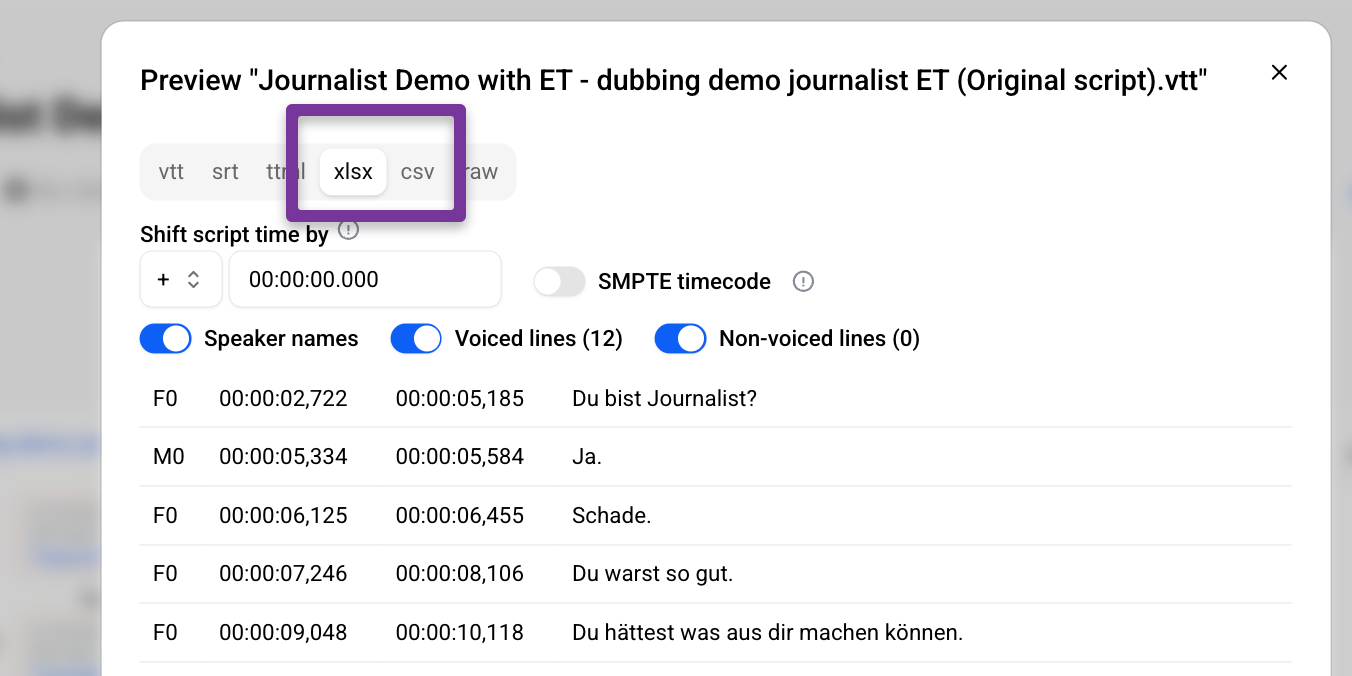
🟣 📊 Script Export Now Available in XLSX and CSV

What’s new

You can now export scripts from Dubformer Studio in XLSX and CSV formats.

Why it matters

These formats make it easier to review, edit, and share scripts in spreadsheets — whether you’re preparing QC, running batch edits, or collaborating with external teams.

How it works

Open the export menu and select XLSX or CSV to download your script in a spreadsheet-friendly format.

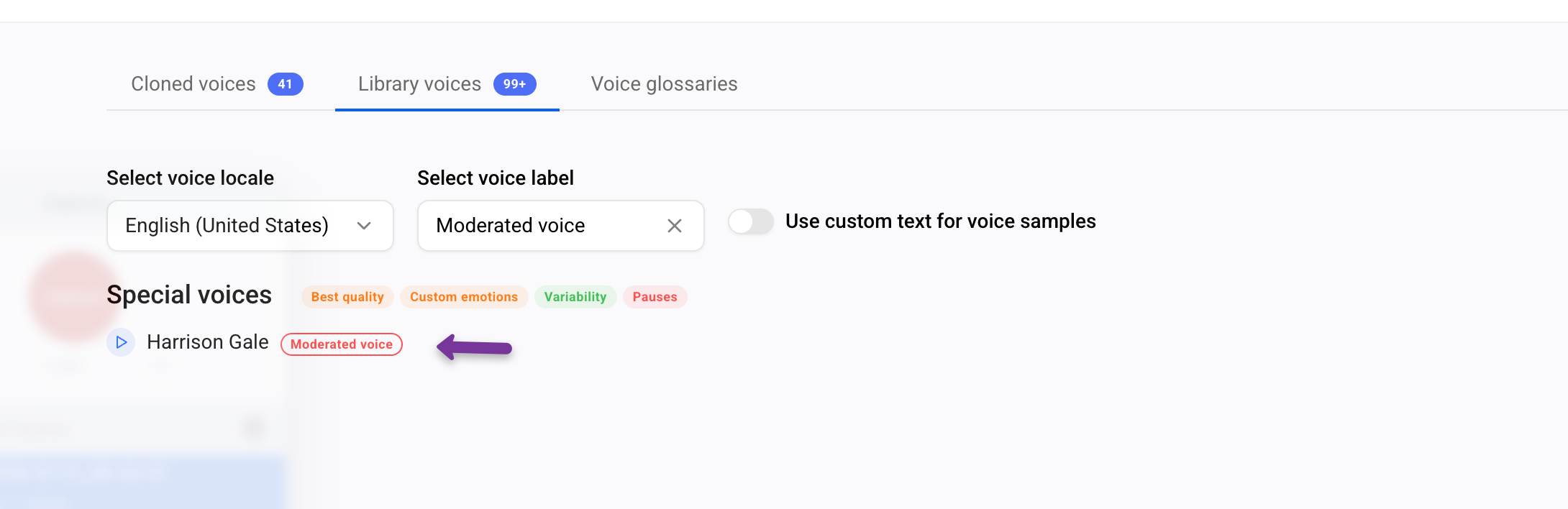
🟣🛡️ “Moderated Voice” Label Added

What’s new

Some Special voices using real-time moderation are now labeled as “Moderated voice” in the Studio.

Why it matters

Plan projects more confidently and avoid unexpected blocked chunks — especially in sensitive or regulated use cases.

How it works

When browsing or selecting voices, moderated voices are now clearly marked in the UI, with links to detailed documentation.

🟣 “Last Seen” Sorting Added to Users Table

What’s new

You can now sort the Users table by Last seen to quickly see who was active most recently.

Why it matters

Spot active and inactive users at a glance and keep account usage under control.

How it works

Open the Users tab and sort by the Last seen column to organize users by recent activity.

🟣 🌍 New Target Languages Added

What’s new

Five new target languages are now supported in Dubformer Studio.

Why it matters

Reach new audiences and expand your localization workflows with accurate language support.

How it works

You can select these languages as target languages in your projects.
The full and growing list is available in our Help Centre.

Newly added target languages

  • Assamese (as-IN)

  • Hausa (ha-NG)

  • Lingala (ln-CD)

  • Chichewa (ny-MW)

  • Sindhi (sd-PK)