Script Editor options
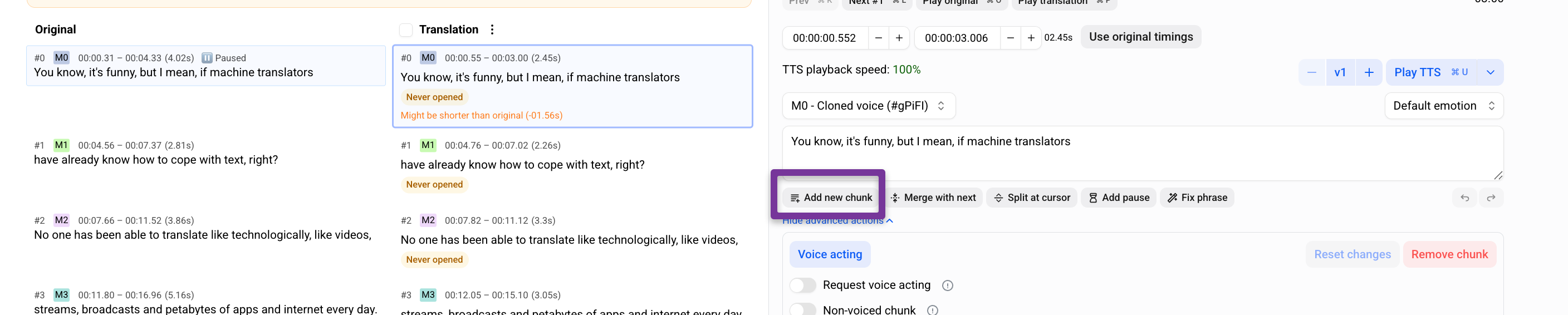
Add a new chunk
Method 1 — From the script
Click Add new chunk below the text.
A new chunk will appear under the previous one.
Method 2 — From the waveform
Place the cursor at the desired position on the waveform.
Use the keyboard shortcut shown in the hint.

An empty chunk will appear on the timeline.
Enter the text for the new chunk.
Adjust timing by dragging the chunk edges if needed.
Warnings, Errors, and Comments
Use filters to quickly find chunks that contain warnings, errors, or comments.
Click the icon in the interface.
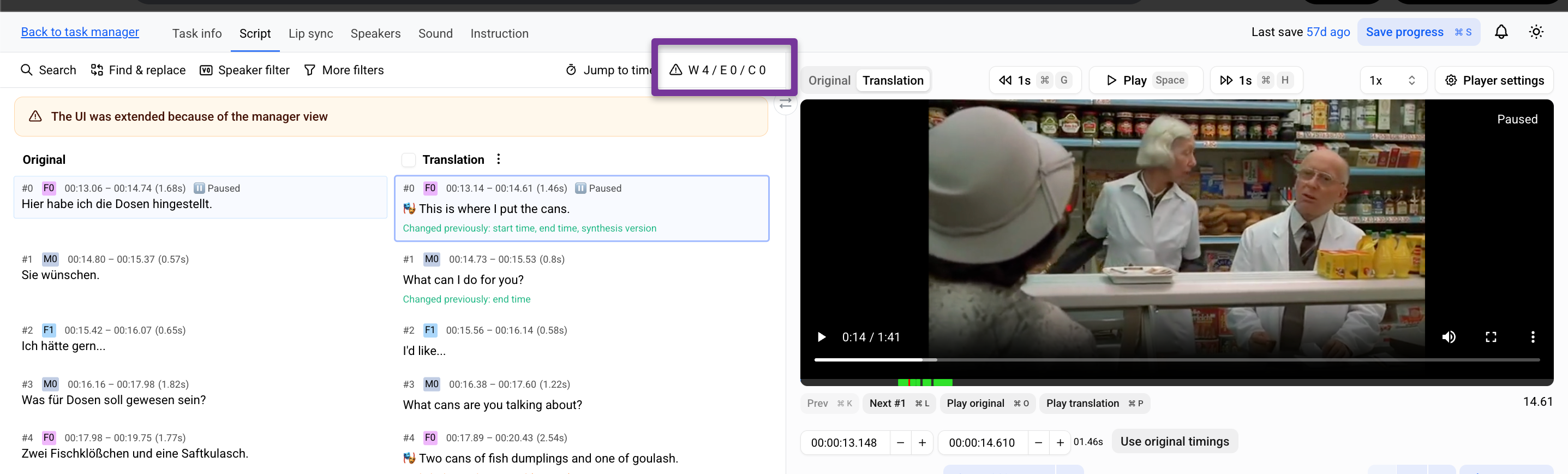
The available filters will appear.
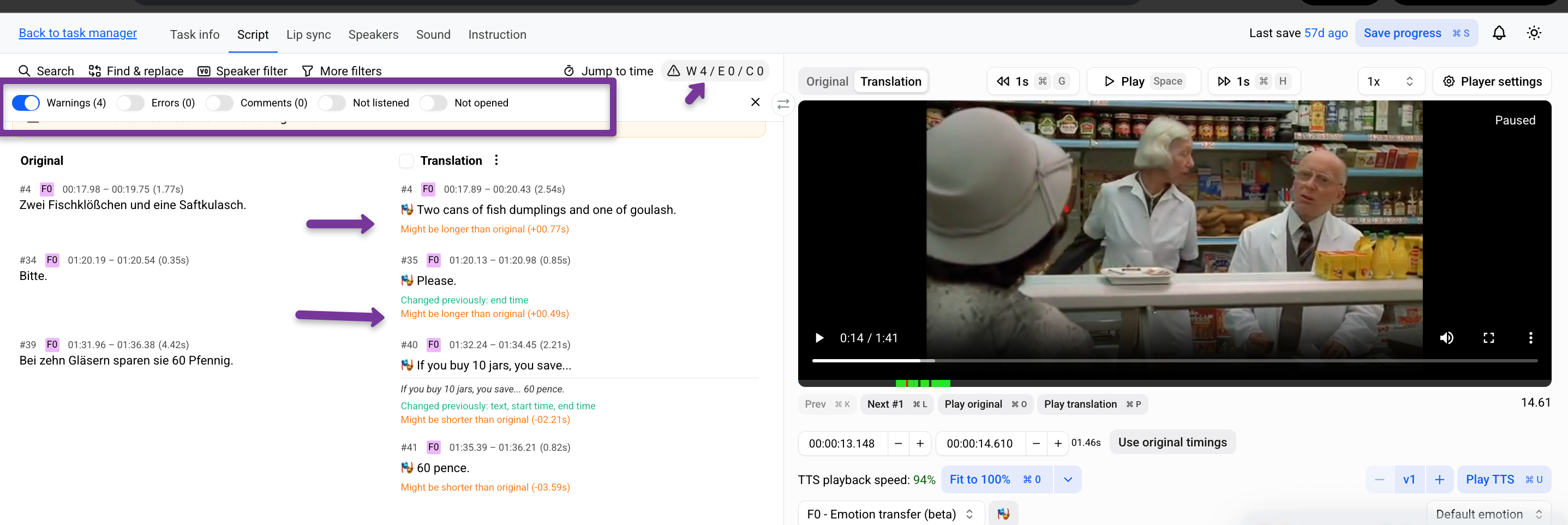
Select a filter.
The chunks are filtered to show only those that match the selected filter.
Jump to a Specific Timestamp
To quickly navigate to a specific moment in the timeline:
Click Jump to time in the interface.
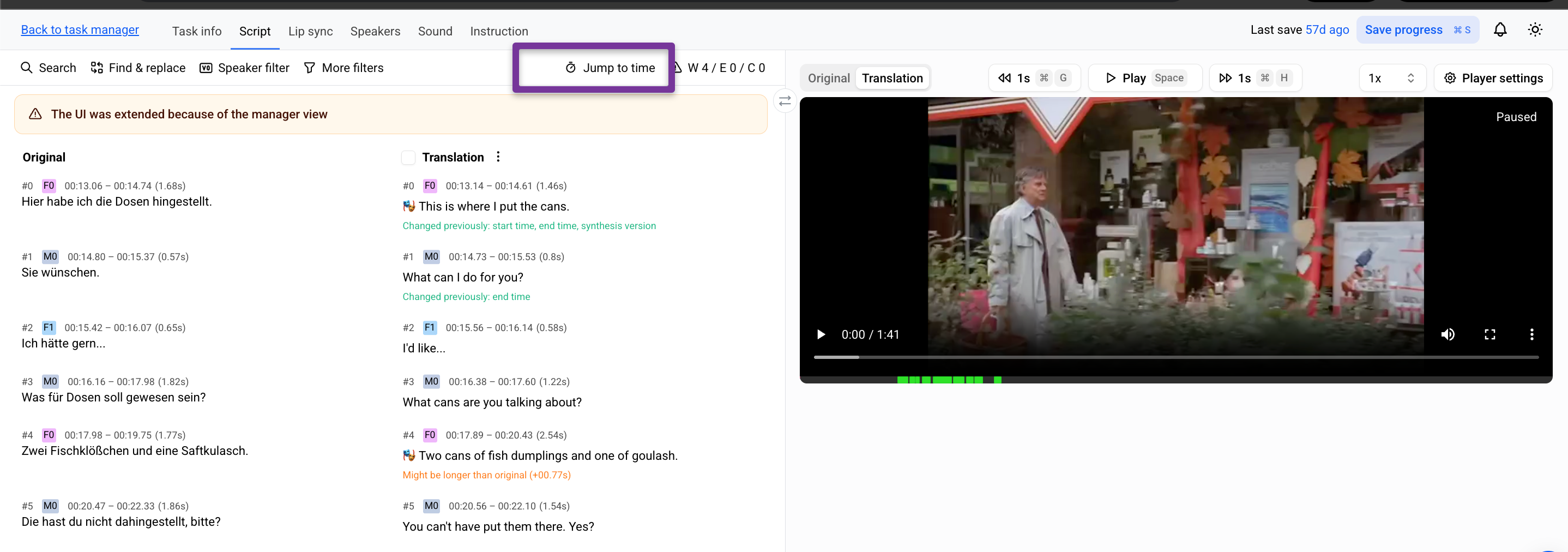
Enter the timestamp in the format 00:00:00.000.
Choose whether to navigate using Original or Translation chunks.
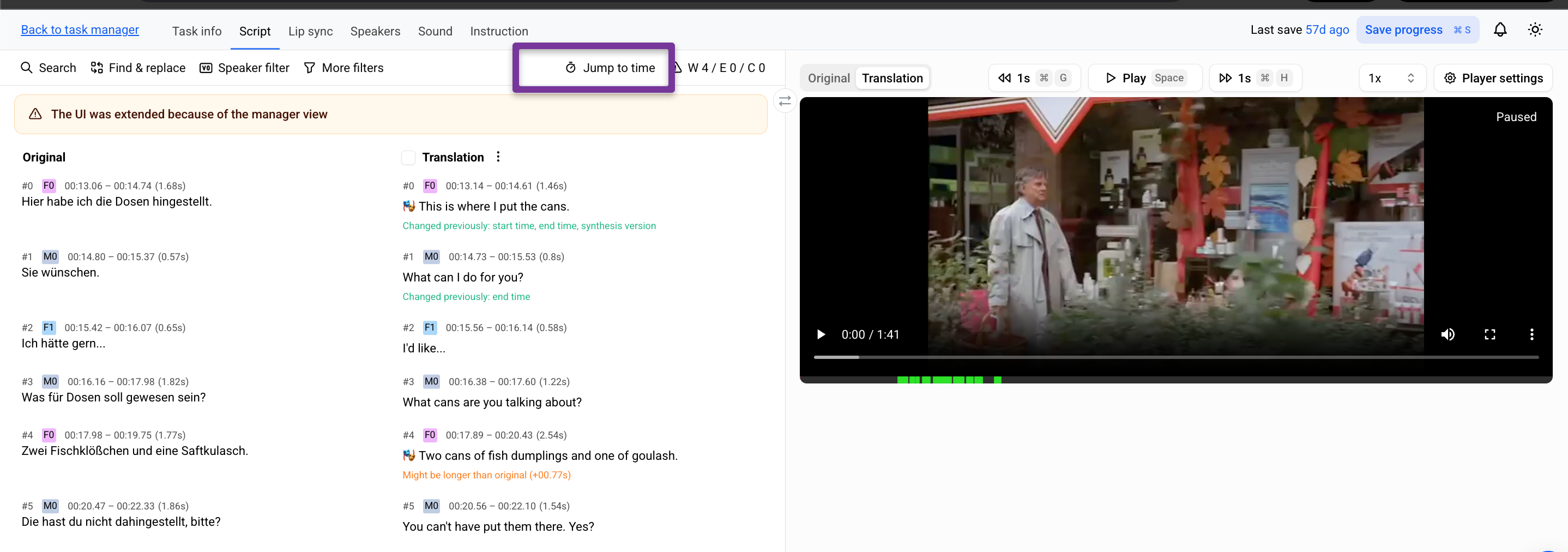
Click Jump to move directly to the chunk at the selected time.